
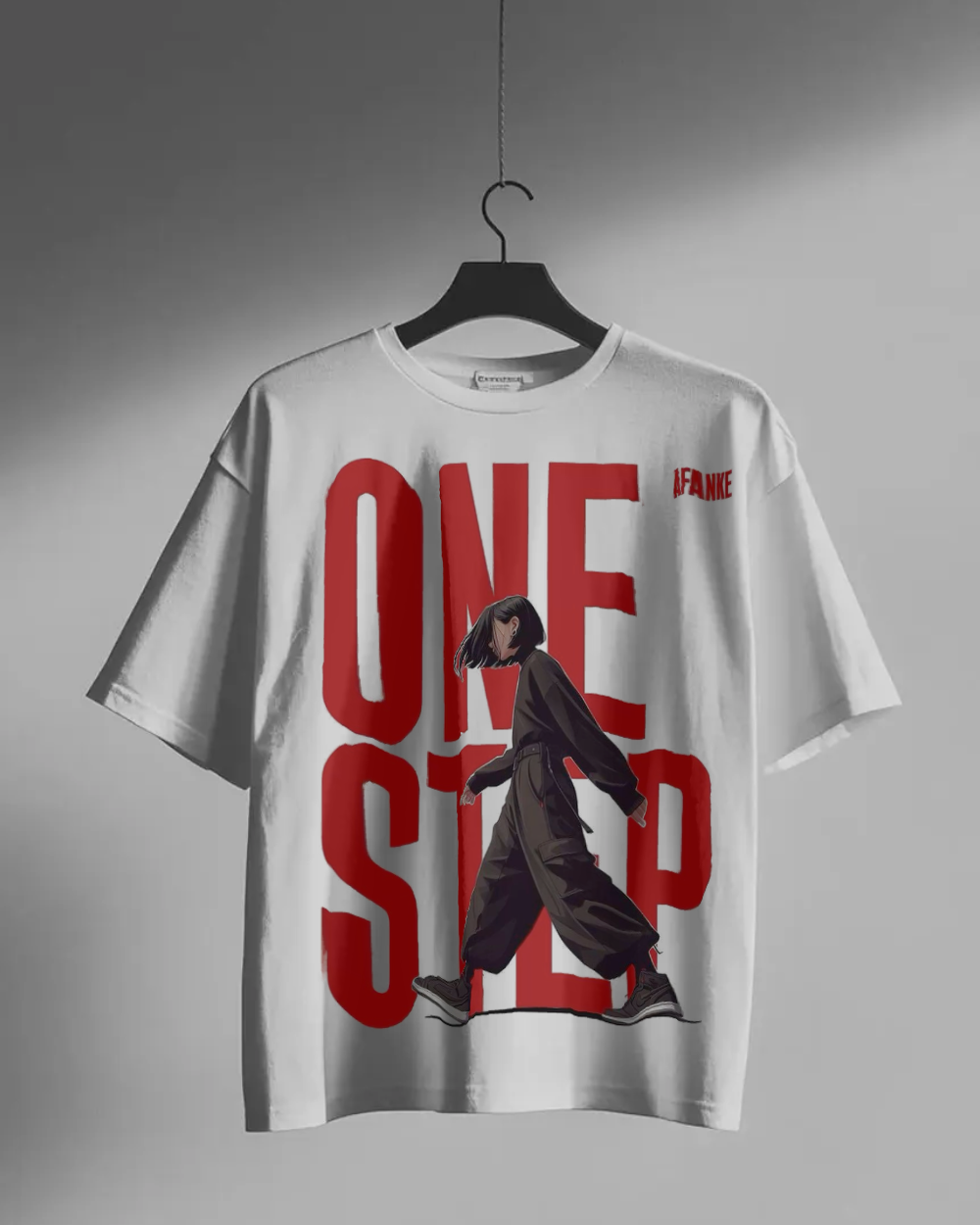
When previewing bold typography designs—such as oversized red streetwear letters like “ONE STEP” or heavy black logo graphics—on t-shirt mockups, a frustrating visual artifact often appears: a faint white or light gray halo ring outlining the text edges.
Even when your graphic file appears clean on a white background, placing it onto a black, navy, or heather gray shirt reveals fuzzy pixel borders that make the preview look unpolished. In this guide, we examine the underlying pixel mathematics of edge anti-aliasing and explain how edge decontamination removes background bleed without altering your artwork.
The Physics of Anti-Aliased Graphic Borders
Graphic design applications smooth vector text edges by applying anti-aliasing. Instead of creating harsh stair-stepped pixels, anti-aliasing generates intermediate transition pixels that blend the primary ink color into the surrounding canvas.
For instance, when exporting bold crimson text (R=215, G=25, B=25) on a white canvas (R=255, G=255, B=255), the pixels directly along the letter boundaries are calculated as a 50/50 linear interpolation:
// 50% Red Ink + 50% White Canvas Background
R = 0.5 * 215 + 0.5 * 255 = 235
G = 0.5 * 25 + 0.5 * 255 = 140
B = 0.5 * 25 + 0.5 * 255 = 140
// Result: A light pinkish-white pixel (R=235, G=140, B=140)
On a white t-shirt, these light pink pixels blend seamlessly. However, when placed onto a black or dark red shirt mockup, those light pink pixels remain light. To the human eye, they form a distinct white or light gray outline around every letter.
Why Simple Transparency Thresholds Don't Work
Basic background removal tools rely on simple thresholding: if a pixel isn't pure white (255, 255, 255), it is left untouched. Because the anti-aliased edge pixel (235, 140, 140) contains color data, simple threshold tools treat it as solid artwork and leave it 100% opaque.
Conversely, aggressive flood-fill tools erase light-colored elements inside the graphic—such as yellow bear fur, pastel illustration highlights, or white text muzzles—leaving unwanted holes in your design.
How Edge Decontamination Works in Dizzzign
To solve border halos without erasing artwork, Dizzzign combines a two-stage WebGL processing engine directly in your browser:
1Chroma Protection Guard
Before processing background pixels, our algorithm measures color saturation (chroma = maxChannel - minChannel). Solid artwork—like yellow bear faces, pink paint splashes, and cyan splatters—possesses high chroma and is protected from erasure.
2Neutral-Ratio Transition Analysis
Pixels along letter boundaries are evaluated by neutral channel ratios (minC / maxC). Transition pixels containing white background bleed are identified and flagged for un-premultiplication.
3Un-Premultiplication (Remove White Matte)
The engine mathematically reverses white background blending along the edge:
This converts the light pink edge pixel (235, 140, 140) back into pure red ink (204, 0, 0) with anti-aliased transparency, producing razor-sharp text edges on dark garments.
Step-by-Step Workflow for Clean Mockups
Follow this quick checklist when building product listings for Etsy, Shopify, or print-on-demand catalogs:
- Export Artwork at 300 DPI: High pixel density ensures smooth curve anti-aliasing without coarse pixelation.
- Enable Automatic Knockout in Dizzzign Studio: Open the Dizzzign Studio, select Auto or White mode, and adjust sensitivity if needed.
- Verify Preview on Dark & Light Shirts: Test your design across deep black, white, and colored apparel options before exporting.
- Download Watermark-Free HD Exports: Download high-resolution PNG previews with Full Commercial Rights.
Frequently Asked Questions
Why does a faint white or gray border ring outline my graphic on black shirt mockups?
When saving PNG or JPG graphic files, design tools generate semi-transparent anti-aliased edge pixels that blend graphic colors into the white background. When placed over dark fabric, these light-colored boundary pixels remain visible as a white or gray halo ring.
How does edge decontamination un-premultiply white background bleed?
Edge decontamination analyzes pixel luminance and neutral color ratios along image boundaries, stripping away the white background color data and restoring pure native ink color to boundary pixels.
Does background removal erase light yellow or vibrant artwork elements inside the graphic?
No. Dizzzign uses a Chroma Protection Guard that evaluates color saturation. Vibrant artwork, yellow bear fur, pink paint splashes, and cyan splatters are protected from background erasure.
Related Apparel Guides & Tools
Removing White Speckles on Dark Shirts
Fix noisy dots and background artifacts on black t-shirt mockups.
Apparel Mockup Guide for Etsy & Shopify
Generate studio-quality previews for e-commerce listings.
Create Halo-Free Apparel Mockups in Seconds
Upload your typography or graphic artwork into Dizzzign Studio to test automatic background removal and edge decontamination for free.